Official Paperwork Stays Official.
Everything Else Stays Easy.
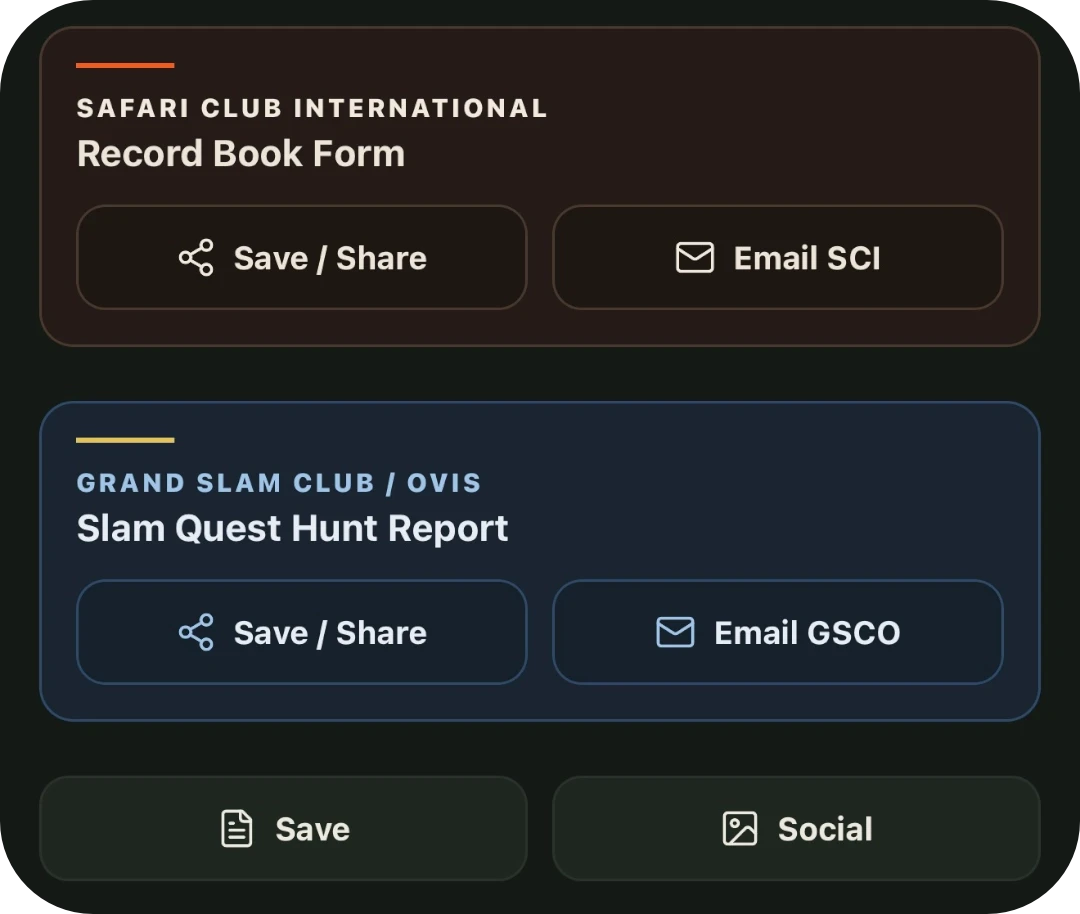
Official forms, ready to send
SCI and GSCO each give you two clear buttons. Save / Share builds the official submission form and opens the system sheet to save it or send it anywhere. Email opens a message with the form attached, ready for the Record Book or GSCO.
A separate pair of buttons sits below. Save produces a simple report for your own records. Social builds a card with your photo, species, and score in eighths, ready for the group or the feed.
The Worst Part of the Submission Form is Already Done. Forever.
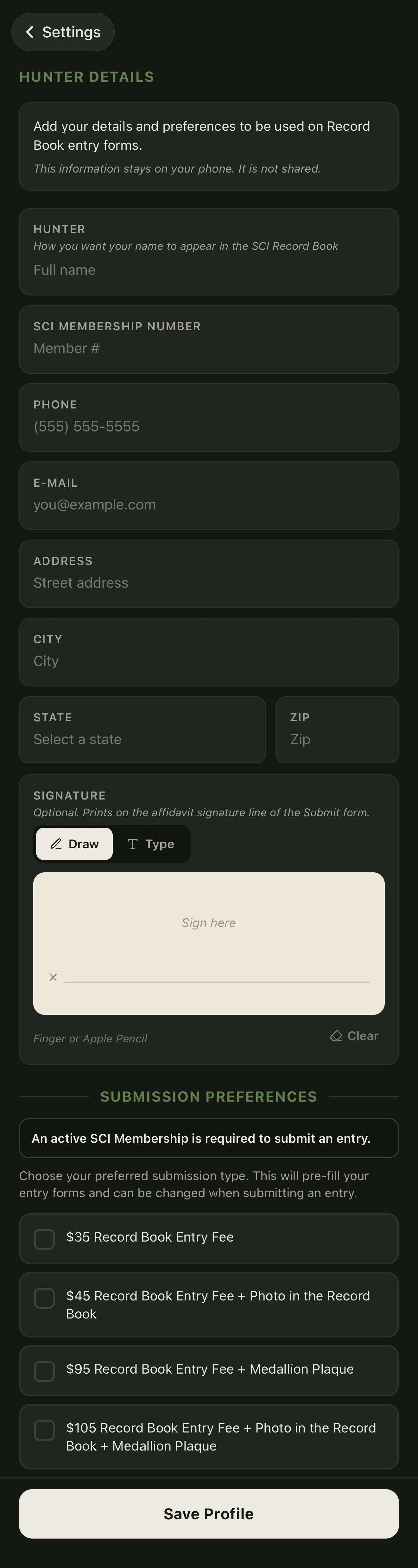
The fields every hunter dreads are finished before you ever start a new score. Your contact information, SCI number, even your signature, along with your submission choices live here so the paperwork never starts from scratch.
Hunter Details sits in Settings and holds the pieces that finish every official SCI record book submission form. Enter your membership number once. Add your actual signature. Choose what you want when the trophy is accepted: just the entry fee, a medallion plaque, or a photo in the Record Book plus the plaque. After that the app fills those fields on every SCI Record Book form you generate. Measurements and hunt details stay yours to enter. Everything else is already there.
One setup. Every entry starts closer to done.
Don't Forget Your Measurer.
You scored the animal. You filled the measurements. Now the person who measured it is already stamped on the official sheet before you ever leave camp.
Add the name, measurer number, email, and signature once. It lives on this phone. Next trophy, tap it and the entry form is ready. No hunting through email for the last certificate. No retyping the same taxidermist or measurer every time you file.
The rules stay with it. The named Official or Master Measurer has to be the one who measured the trophy. A guide can measure, but a guide who was on the hunt cannot certify a Top 20 or Major Award. The signature is the one that goes on the form.
